
Your Cart



Acurit Proportioner Tool
Save
10%
Off
Reg. Price *
Our savings off of Regular Price (Reg. Price) are either due to a sale or super sale (indicated by a Red Price) or competitive matching to other online sellers and marketplaces. Prices, promotions, and availability may vary. For more information, view our Pricing Policy.
- Is Proprietary Exclusively At Jerry's! A Jerry's Artarama exclusive brand. The exclusive brands offer amazing quality, exceptional performance & great value. Comes with a 30 day money back guarantee!
- LPP Lowest Price - This item is already at the Best Lowest Price Possible and no further discounts or coupons can be applied.
Item #
86612
List
$94.60
Reg. Price
$73.49
Sale
$65.79
-
Bulk Savings:Buy 12+ only $59.19 ea. Save More!
Product Notes:
- Is Proprietary Exclusively At Jerry's! A Jerry's Artarama exclusive brand. The exclusive brands offer amazing quality, exceptional performance & great value. Comes with a 30 day money back guarantee!
- LPP Lowest Price - This item is already at the Best Lowest Price Possible and no further discounts or coupons can be applied.
Acurit Proportioner Tool


Short Highlight Videos (Tap To Watch)
-
Perfect for drawing reference photos or real life images precisely to scale x
Item # 86612 Overview
| Brand
® Acurit >
Click to see all supplies & full collection for Brand: ® ACURIT
(this will take you away from this page)
Product Notes:
- Is Proprietary Exclusively At Jerry's! A Jerry's Artarama exclusive brand. The exclusive brands offer amazing quality, exceptional performance & great value. Comes with a 30 day money back guarantee!
- LPP Lowest Price - This item is already at the Best Lowest Price Possible and no further discounts or coupons can be applied.
Proportioner Tool, Acurit
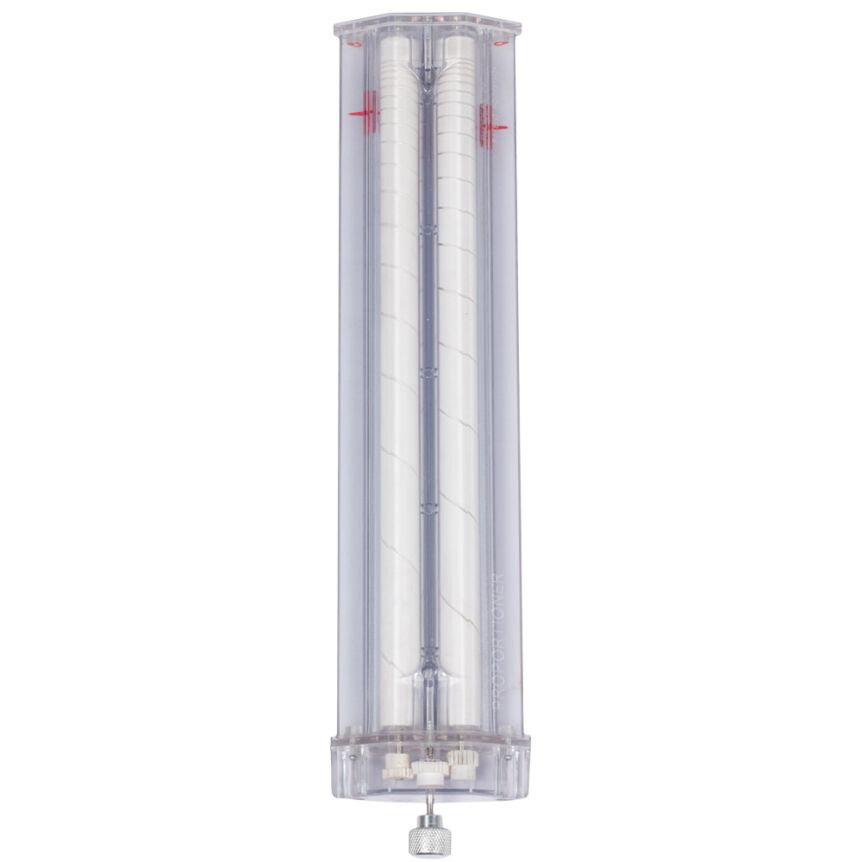
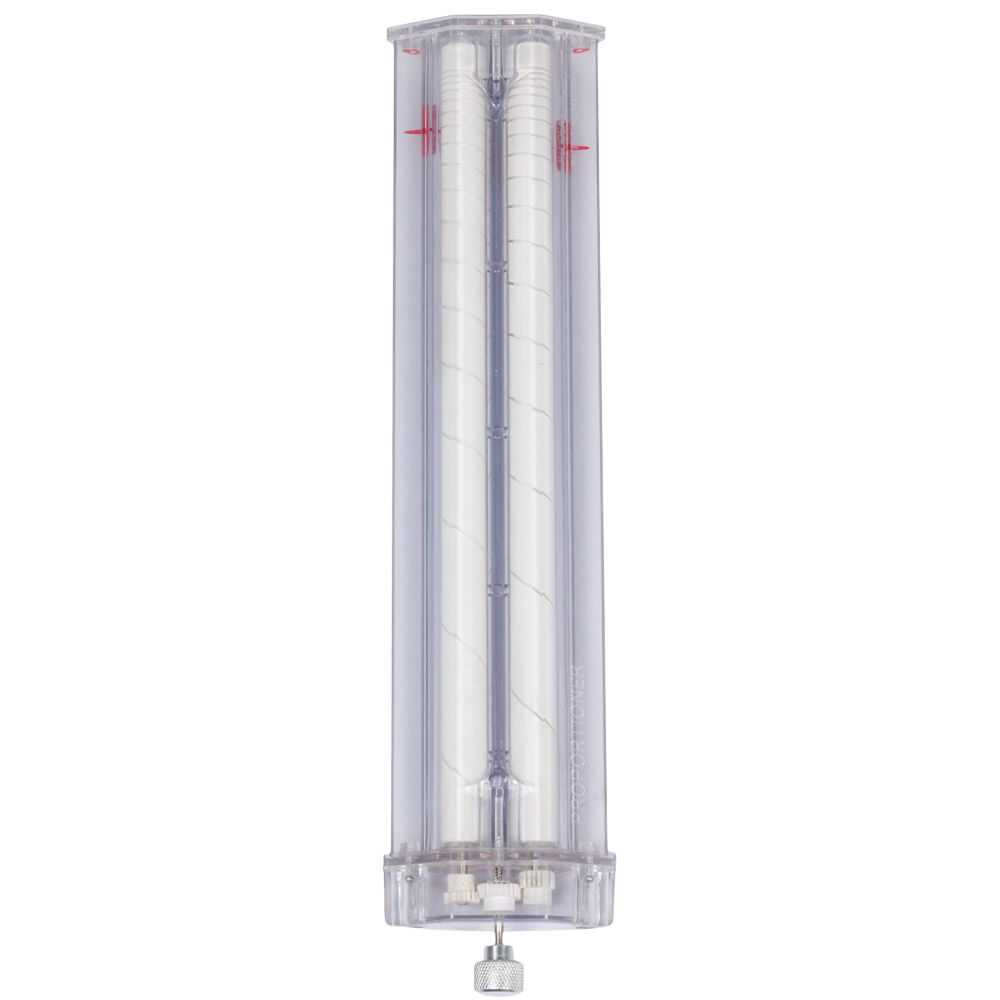
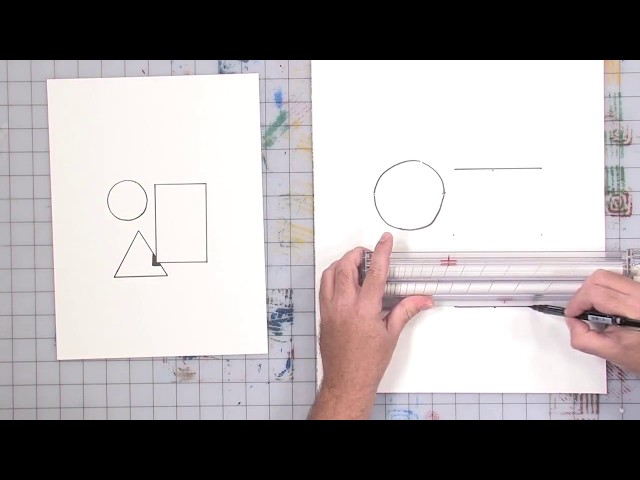
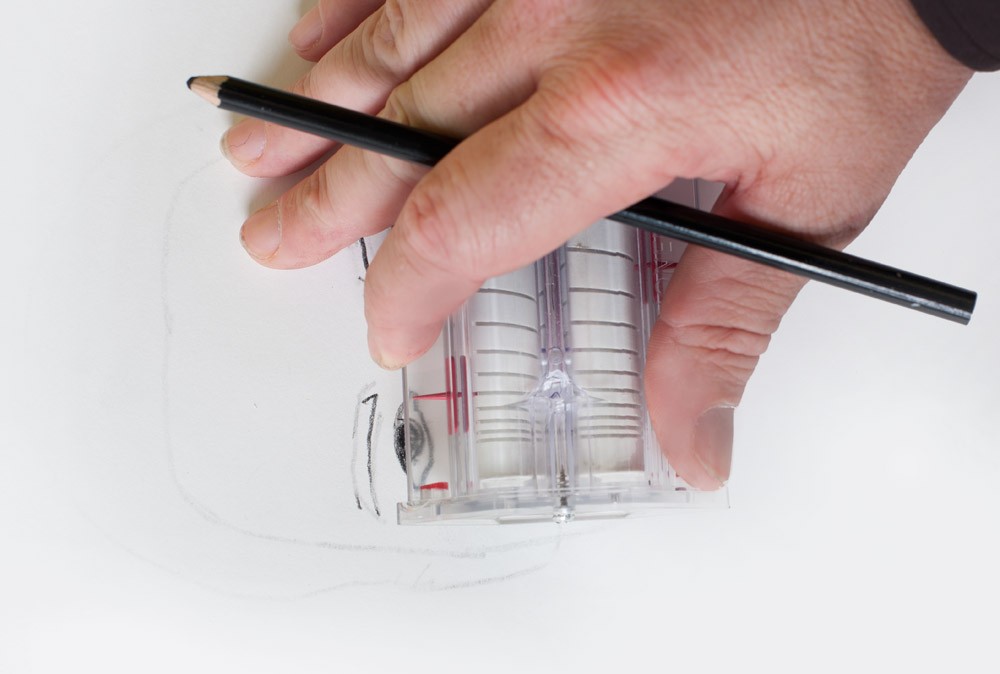
No need to understand the mathematics behind proportions in order to use this ingenious tool: simply set the initial scale and let the Proportioner do the rest! Consisting of 2 indicators, one for the reference object and one for the transferred image, the Proportioner can be easily set to any proportion ratio by rotating the knob (without depressing) until the reference indicators line up with two fixed points, the eyes in a portrait image. Then depress and rotate the knob again to set the distance between the transfer indicators — how far apart you’d like the eyes to be in your drawing. The Proportioner will store this set proportion ratio for you, allowing you to easily transfer further points while retaining the exact scale!
- Quickly resize images without sacrificing correct proportions
- Keep transferred images precisely to scale
- No math required
- Easily set initial scale by rotating knob to set indicators
- Proportion ratio is stored so further points can be transferred
- Great for working in the field
Acurit Proportioner Tool

Login and Registration Form
Customer Login
Already a customer ? Sign in now for the best experience!
* indicates a required field